

12Dec
How do I run a script at Pico on boot?
As per official documentation Step by step process for pico program run after power on:
- Save your python program on whatever device you’re running thonny/vs code on.
- Make a copy of it called main.py
- Disconnect the pico.
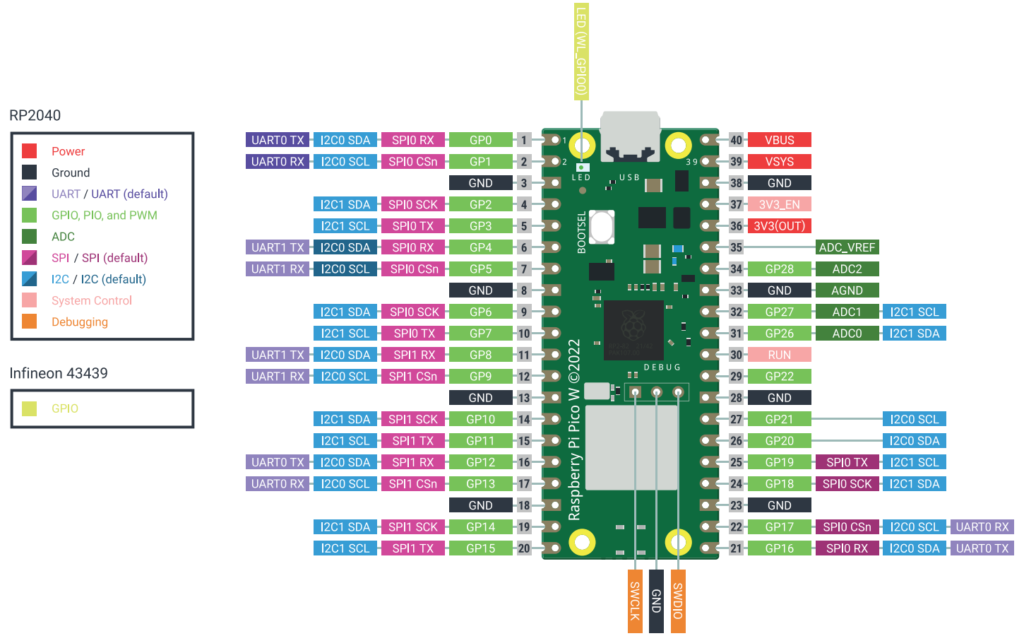
- Now Hold down the bootsel button and reconnect the pico.
- Release the bootsel button once the pico has booted and the USB host has detected it as a mass storage device.
- Copy main.py to the mass storage device provided by the pico.
- Thats it your first program is ready to run in pico after power on





Leave a Reply
You must be logged in to post a comment.